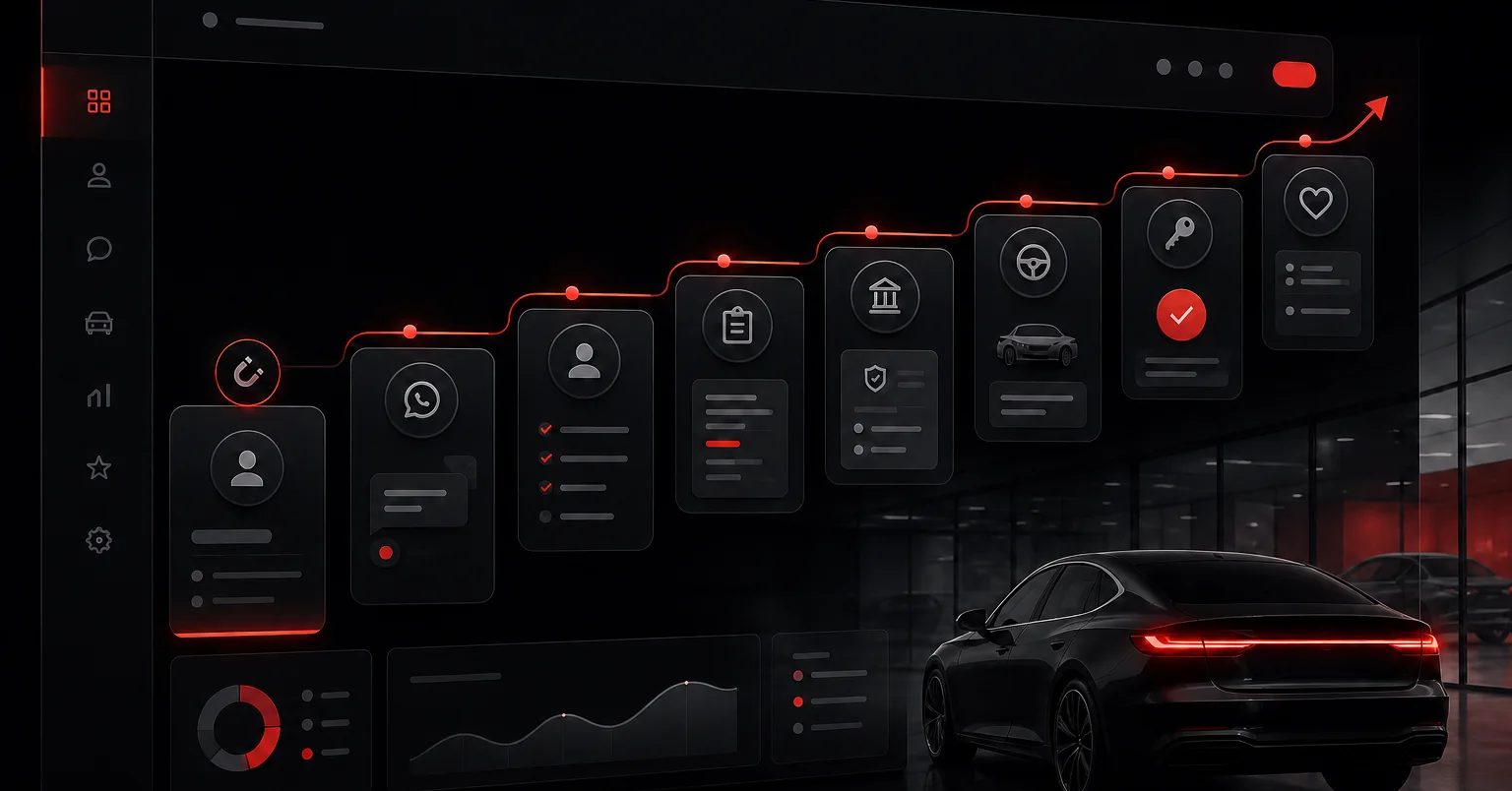
A car dealership CRM centralises every lead, conversation, quote, test drive and next action in one shared sales pipeline. Choose one by checking the process it must support, its WhatsApp and system integrations, how easily salespeople can use it and which data managers can verify. Roll it out in stages: define the process, migrate useful records, train the team, then measure adoption and conversion before adding broader automations.
What is a CRM for car dealerships?
An automotive CRM manages the commercial relationship from the moment a lead arrives through the sale and after-sales. It brings together contact details, source, conversations, vehicle interest, quotes, tasks, appointments and the current state of each opportunity.
It is not the same as a DMS. CRM directs acquisition, follow-up and conversion; a DMS usually handles inventory, billing and operations. When both are in place, the integration should stop salespeople entering the same information twice.
Signs your dealership needs a CRM
The need becomes clear when the volume or complexity of the sales process no longer fits in chats, spreadsheets and people’s memory. These signs can be checked in the operation:
- Leads have no owner, no reply or no defined next action.
- Sales conversations remain on personal phones and cannot be reassigned.
- Quotes and test drives are not linked to an opportunity.
- Each salesperson uses different stages, making the pipeline impossible to compare.
- The forecast is built from memory or updated only at month end.
- Marketing cannot connect a lead source to the completed sale.
- When someone leaves, part of the customer history leaves too.
Generic CRM vs automotive CRM vs custom CRM
There is no winning category for every dealership. The right option covers the priority process with the least friction, integrates the systems that already matter and can be administered by your team. Use this comparison as a starting point and verify every answer with the supplier.
| Criterion | Generic CRM | Automotive CRM | Custom CRM |
|---|---|---|---|
| Implementation time | Usually shorter when standard configuration is enough | Moderate when existing modules fit the operation | Longer because discovery, development, testing and rollout are required |
| Native or connector-based; traceability must be tested | May be prepared for automotive sales workflows | Designed around the channel and available integration policies | |
| Test drives | Adapted through activities, appointments or fields | Often includes scheduling and test-drive status | Modelled around the dealership’s exact rules |
| Quotes | Usually needs a template, extension or integration | May link models, trims and proposals | Connected to the existing quoting process or tool |
| Financing | Handled with fields or external integrations | May include credit application and status | Connected to the defined lenders and workflows |
| Inventory / DMS | Depends on available APIs and connectors | More likely to offer industry connectors | A specific integration is possible when systems expose data |
| After-sales | Configured as another pipeline or module | May include renewals, workshop or service campaigns | Added once the process and its owners are defined |
| Customisation | Medium, within platform limits | Medium, based on a predefined automotive model | High, with greater maintenance responsibility |
| Adoption | Strong when simplified around channels already used | Strong when its modules match daily work | Highly dependent on user testing, design and rollout support |
Turn your sales process into a pipeline the team will actually use
See how to centralise leads, WhatsApp, follow-up and management visibility without forcing a tool onto an undefined process.
Essential features for a dealership
Before comparing advanced features, make sure the CRM solves the daily job. The useful minimum is the system that leaves no opportunity without an owner, context or next action.
- Lead capture from the website, campaigns, marketplaces, calls and messaging with the source retained.
- Automatic or manual assignment, reassignment rules and first-response alerts.
- A pipeline with stages, exit criteria, loss reasons and a required next action.
- Conversation and activity history connected to the opportunity and controlled by permissions.
- Visit and test-drive scheduling with reminders, attendance and outcome recorded.
- Quotes, vehicle of interest and financing status connected to the same record.
- Verifiable integrations with WhatsApp, inventory, DMS, forms and marketing tools when needed.
- Dashboards for conversion, response times, activity, forecast, source and owner performance.
- Data exports, access profiles, audit history and in-house administration.
A selection checklist based on verifiable criteria
Do not decide from a generic demo. Give every supplier the same test case and ask for evidence against these questions:
- Can it reproduce your stages, owners and exit criteria without uncertain development?
- Does a test lead enter from each channel, retain its source and reach the right owner?
- Is the full WhatsApp conversation stored on the opportunity and available for reassignment?
- Can a salesperson book a test drive, record the outcome and create the next action in one flow?
- Can the quote and financing status be checked without duplicate entry?
- Is there a documented test for the DMS or inventory integration, including error handling?
- Can you export contacts, opportunities, activities and files in a usable format?
- Do permissions separate salespeople, managers, branches and administrators?
- Does the supplier define rollout owners, training, support and acceptance criteria?
- Does total cost separate licences, connectors, implementation, support and future changes?
A 30, 60 and 90-day CRM implementation plan
The calendar should match the scope and integrations. Sequence matters more than switching everything on at once: begin with process and minimum data, build the working habit, then optimise.
| Period | Objective | Verifiable deliverables |
|---|---|---|
| First 30 days | Define the process and prepare a pilot | Approved stages and owners; minimum fields; cleaned data; priority channels connected; test cases and adoption owners |
| Days 31–60 | Run the pipeline and remove friction | Team trained on live opportunities; weekly review; alerts and tasks active; issues prioritised; baseline response, follow-up and conversion metrics |
| Days 61–90 | Standardise and expand only what works | Documented rules; validated dashboards; an additional integration where useful; adoption audit; automation backlog and improvement plan |
Sales KPIs the CRM should calculate
Separate process indicators, which can be changed during the month, from outcome indicators, which confirm what happened. Define the event that starts and ends every calculation so everyone measures the same thing.
| KPI | Formula or calculation | What it informs |
|---|---|---|
| First response time | Time of first human reply − lead arrival time | Coverage, assignment and alerts |
| Effective contact rate | Leads with a two-way conversation ÷ assigned leads × 100 | Contact quality and source data |
| Follow-up compliance | Follow-up tasks completed on time ÷ due or scheduled tasks × 100 | Sales discipline and workload |
| Test-drive conversion | Completed test drives ÷ qualified leads × 100 | Qualification and invitation quality |
| Test drive to sale | Completed sales ÷ completed test drives × 100 | Proposal, objections and closing |
| Overall conversion | Completed sales ÷ leads received × 100 | Full-funnel performance |
| Sales-cycle length | Average close date − lead arrival date | Friction and process speed |
| Operational adoption | Active opportunities with owner, stage, recent activity and next action ÷ active opportunities × 100 | Whether the pipeline reflects real work |
How to tell whether the CRM is actually being used
The most complete CRM is useless if the team works outside it. Adoption improves when recording an activity is easier than reconstructing it later, stages match the real process and managers use the system to run the sales meeting.
Review adoption every week during rollout. Do not look only at logins; look for evidence that the pipeline reflects what is happening with customers.
- Active opportunities with no owner, recent activity or next action.
- Records that jump from “new” to “closed” without moving through the middle stages.
- Actual sales that do not match wins recorded in CRM.
- Activity entered in bulk just before the meeting or month end.
- Salespeople keeping parallel sheets or chats because CRM adds unnecessary work.
Common mistakes when choosing and implementing automotive CRM
Most problems come from scope and change management rather than one missing feature. Avoid these mistakes during selection:
- Buying from a feature list without testing the real lead journey.
- Digitising unclear stages and expecting software to fix the process.
- Migrating duplicate or incomplete contacts and calling it customer history.
- Integrating DMS, inventory, after-sales and automation before validating the sales pipeline.
- Training only through a demo instead of supporting the team on live opportunities.
- Measuring adoption through logged-in users instead of complete, current opportunities.
- Failing to name an owner for fields, permissions, rules, incidents and improvements after launch.
- Depending on the supplier to access or export dealership data.
Next step: validate the process before buying
Map one real opportunity from arrival through after-sales and use it to compare options. If a tool cannot demonstrate that journey, the number of features in its sales deck does not make up for the lack of fit.
If you want to centralise leads, WhatsApp, follow-up and management visibility, see how we approach lead management for car dealerships.
If you are not yet sure where the main sales leak sits, complete the free dealership sales self-assessment and use the result to prioritise the rollout.
Frequently asked questions about dealership CRM
- What does a CRM do for a car dealership?
- It brings leads, conversations, tasks and the status of each opportunity into one place. It can also connect quotes, test drives and next actions so salespeople and managers work from the same pipeline.
- Should a dealership choose a generic or automotive CRM?
- It depends on how far your process differs from a standard setup. A generic CRM may be enough when it integrates your channels and adapts to your stages. An automotive platform can reduce configuration when test drives, quotes or inventory workflows are already built in. Test both against your real process.
- Does CRM replace the dealership DMS?
- Not necessarily. CRM manages the commercial relationship and opportunity follow-up, while a DMS commonly supports inventory, billing and dealership operations. Integrating them can prevent duplicate data entry.
- Does the CRM need a WhatsApp integration?
- If WhatsApp is a primary sales channel, the integration is a key requirement. Check that it stores the history against the opportunity, supports reassignment, respects permissions and avoids dependence on a salesperson’s personal phone.
- How long does automotive CRM implementation take?
- Timing depends on scope, data quality, integrations and the number of processes included. A pilot focused on the core pipeline can start earlier than a full rollout covering DMS, inventory and after-sales.
- How can managers tell whether the team is using the CRM?
- Check whether active opportunities have an owner, stage, recent activity and next action. Compare actual sales with recorded wins as well. If updates only appear at month end, the tool is being used for reporting rather than day-to-day management.
